

Font symbol styling with AI
@ezwarelab



ezWareLab @ezwarelab
Started 5 months ago by ezWareLab in ezIcon Generator, Tips and Tricks
With AI you can change any font symbol to create your very own symbol
Body
When creating an icon using any font symbol, if you like the symbol but want a custom version, here's a helpful tip! Start with any background style you like, and select the symbol you want to change. Then, type what you want to change in the AI prompt box and click the Modify Current button. You may need to refine your prompt to achieve your desired effect. If the AI generates a nice icon with a border, increase the icon size in the right sidebar settings until the border disappears.
Custom Coffee Cup Project Bundle
BEFORE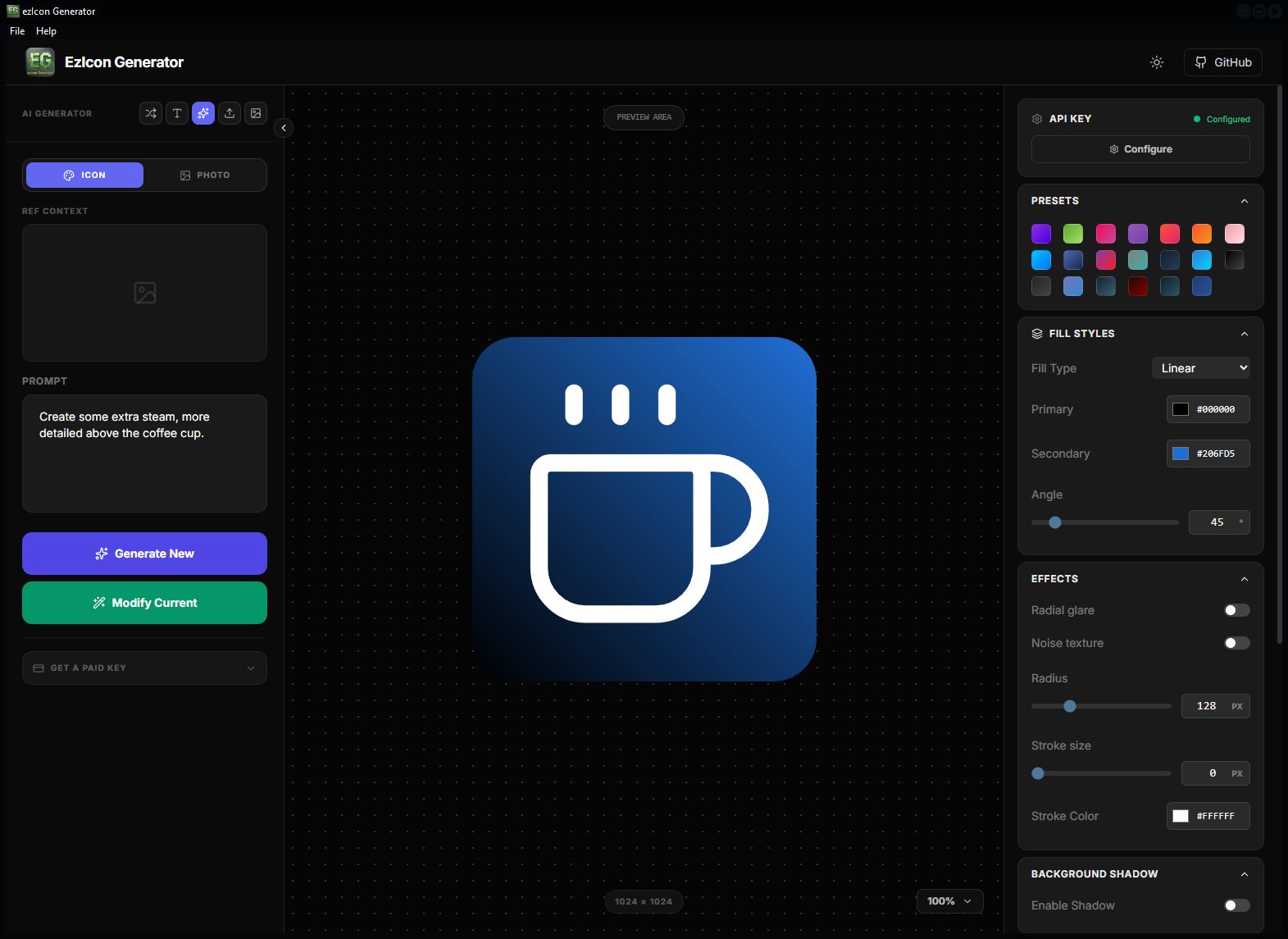
AFTER
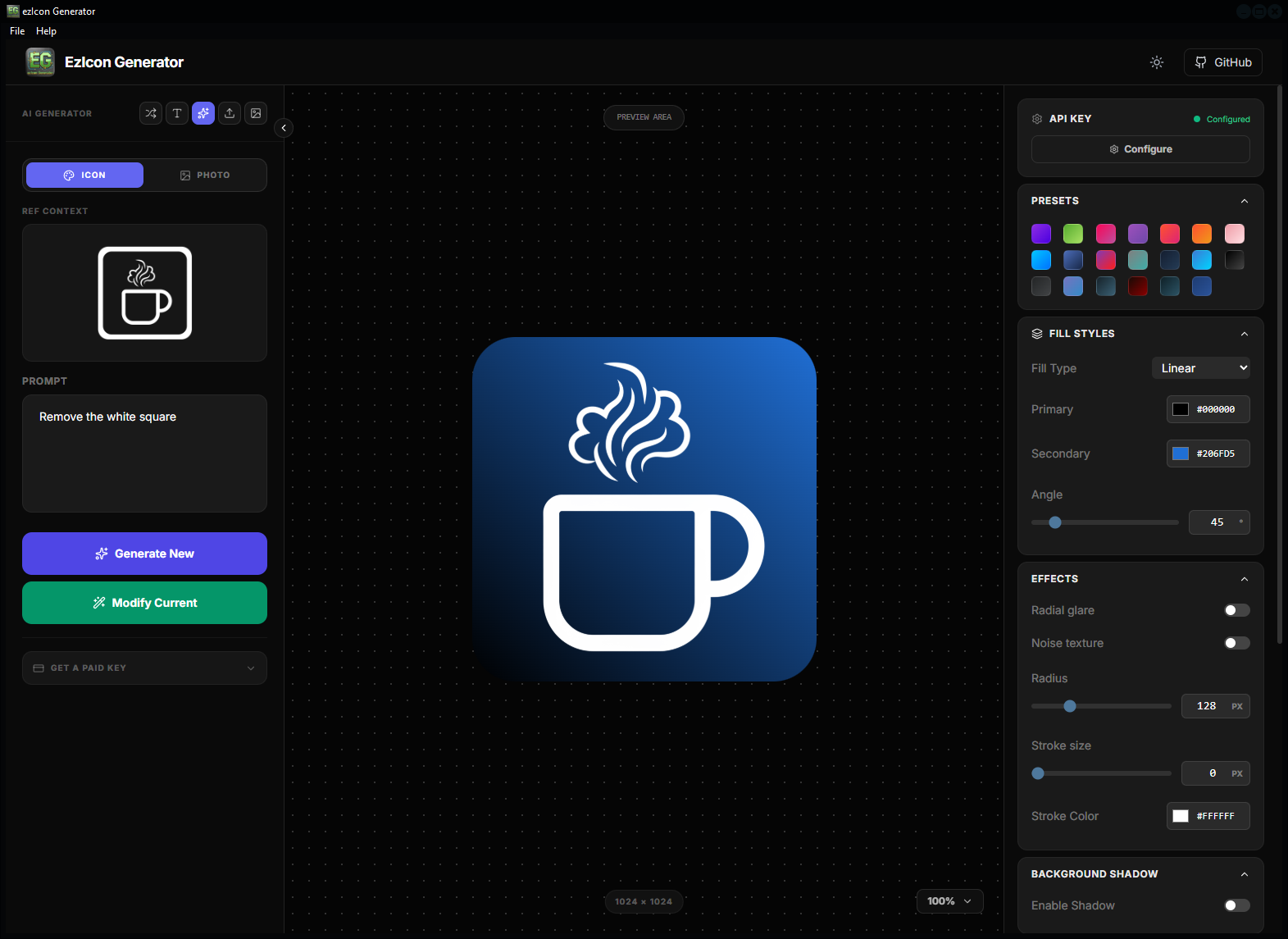
Uploaded files:
🔒 You need to login to have access to uploads.
1 Replies
-
@maya22
